
That old Android phone in your drawer is a home camera.
Two phones, one Wi-Fi. Live video, two-way talk and motion alerts — with no account to create, no cloud in the middle, and no ads.
That old Android phone in your drawer becomes a camera as soon as you plug it in. No hardware to buy, no account to create.
It doesn't lie to you
You'll know when it goes down
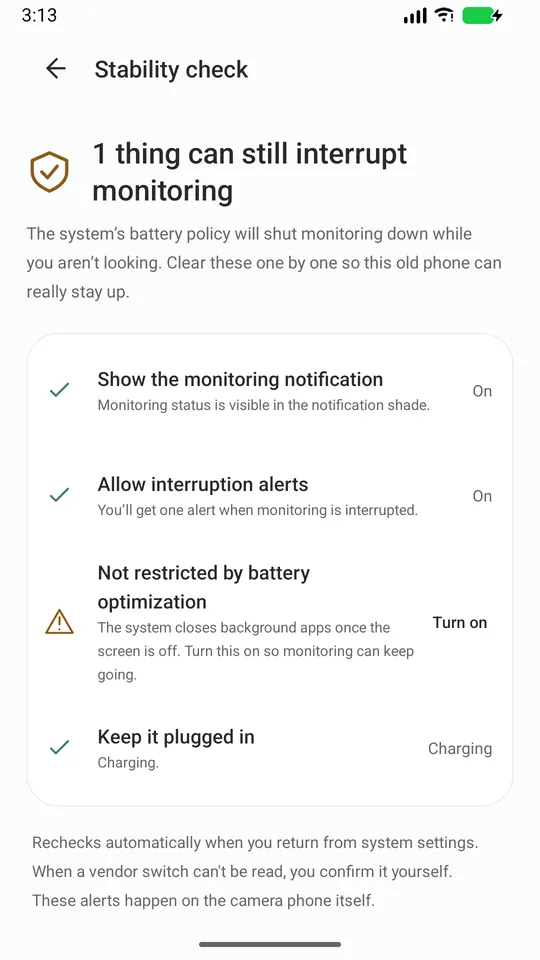
You'll know when it goes down — you don't have to notice the frozen picture yourself.
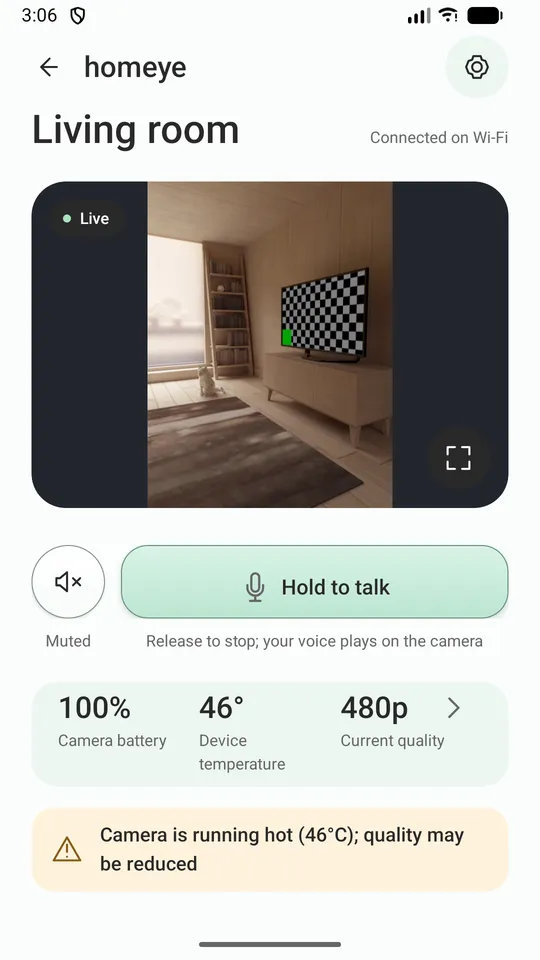
It says why quality dropped
When it lowers video quality because the phone is hot or low on battery, it tells you why. It never just gets blurry.
It walks you through the ROM switches
A "Stability check" lists the system switches that quietly kill background apps, and walks you to each one.
Diagnostics go only where you send them
If something breaks, you can export a diagnostic log and send it to the developer. The log is never uploaded anywhere on its own.
How it works
- Install Homeye on both phones, on the same Wi-Fi.
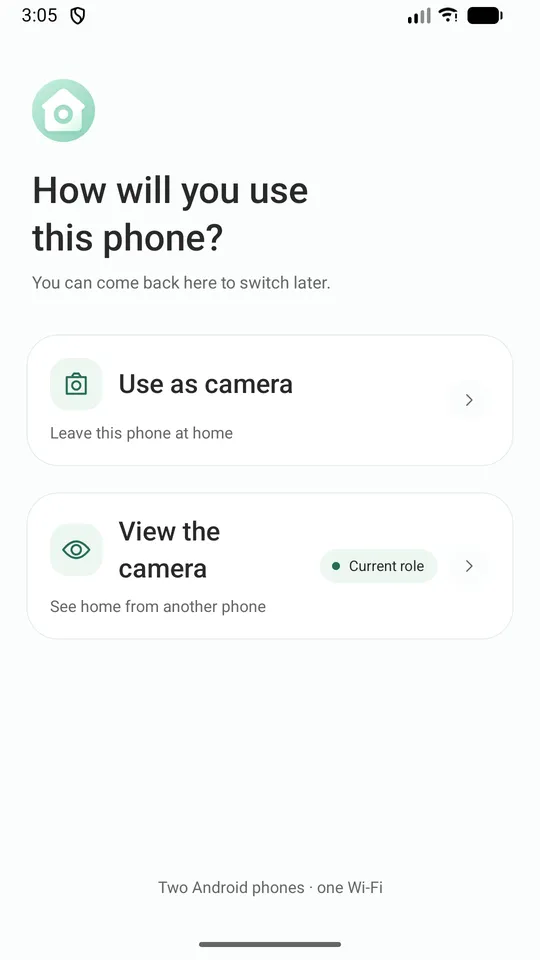
- On the old phone, pick "Use as camera". Plug it in and point it where you want.
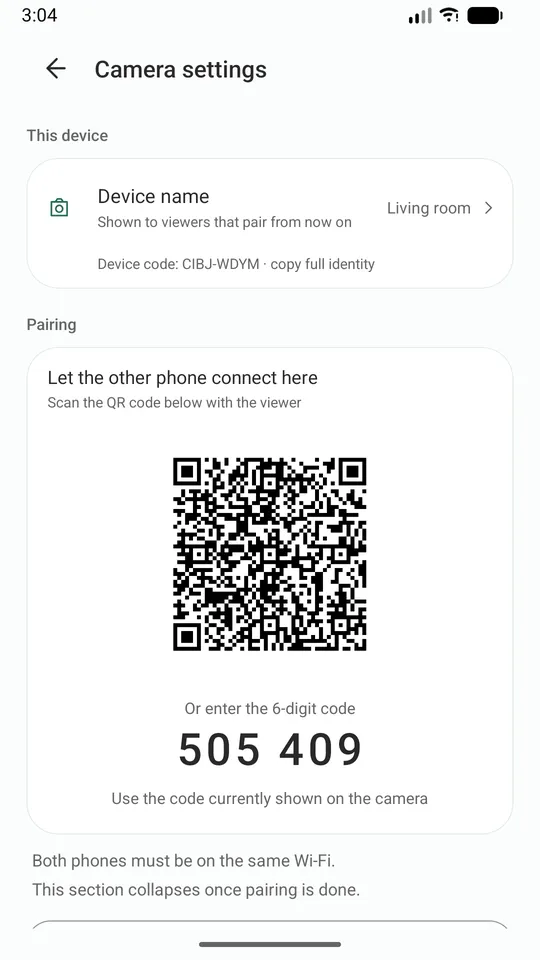
- On your everyday phone, pick "Use as viewer" and scan the QR code on the old phone.
Pair once; after that just open the app.
Screens
What it does
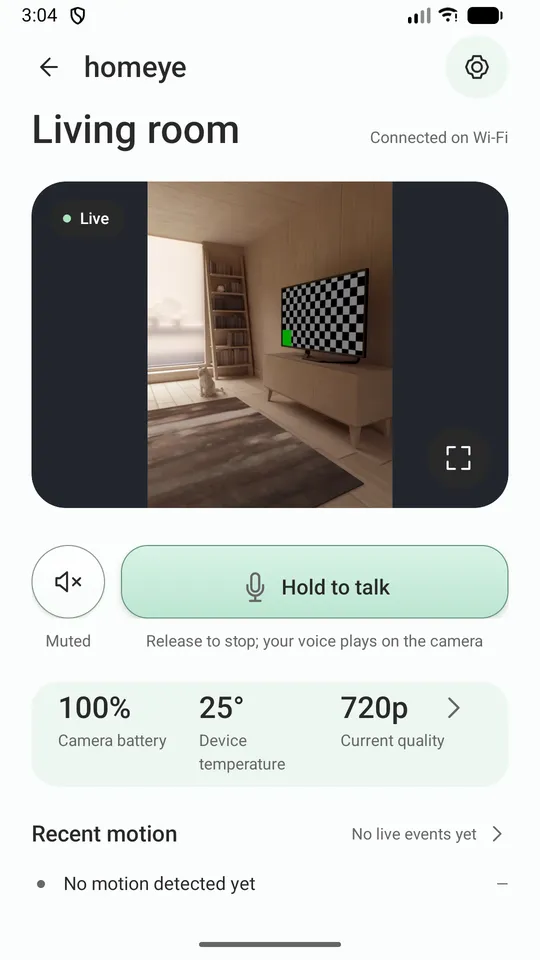
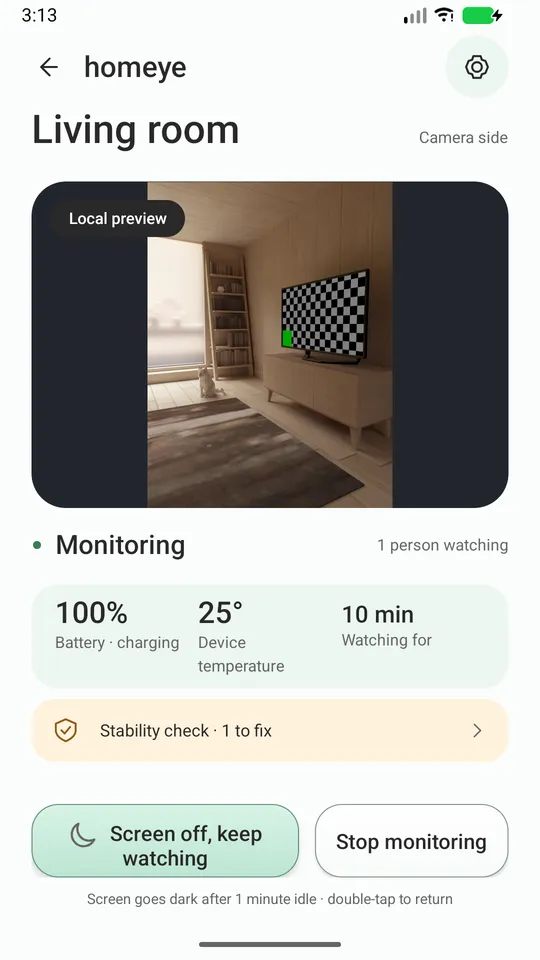
- Live video and audio, with four quality levels that follow temperature and battery
- Push to talk
- Motion detection, with an alert and a thumbnail on the viewer
- The camera phone can blank its screen and keep working
- Low-battery and overheating alerts from the camera phone
- Zoom from the viewer, as far as that phone's lenses allow
- 15 languages, following your system setting
What this version cannot do — said up front
It only works on the same Wi-Fi When you are out and your phone is on mobile data, this version cannot connect. Remote access needs servers; it is being evaluated and is not in this release.
It cannot promise "never offline" Android limits background work for everyone, and nobody can promise that. What we do promise is that you will know when it stops.
It is not a medical device and does not replace adult supervision.
Privacy (every line is something you can verify)
- Video and audio travel only inside the Wi-Fi you are on, never through our servers.
- No account needed. We do not collect your email or phone number.
- No ads, and no analytics SDK.
- We run no media server and offer no cloud recording.
- Device identity is a key pair generated in the phone's hardware keystore; the private key never leaves it.
- So the viewer can find it, the camera phone announces its name and key fingerprint on your Wi-Fi — nothing else.
What you need
Two Android phones (7.0 or newer) on the same Wi-Fi. Keep the camera phone plugged in.
Further reading
- How to turn an old Android phone into a home security camera — the three approaches, and how to stop your ROM from killing the app.
- AlfredCamera alternatives that keep the video on your own network — an honest comparison, including where Homeye loses.